

Sessions and devices
Connections and sessions for the numbers used by the application.
ZuckZapGo connects WhatsApp numbers to your business systems through a self-hosted REST API. The product includes a web dashboard, and its server code uses a commercial license.
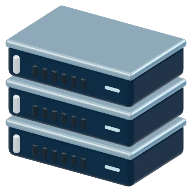 Your system
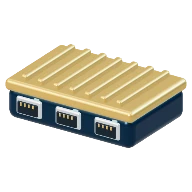 ZuckZapGoREST gateway
 WhatsApp
ZuckZapGo uses the linked-device protocol on whatsmeow. It is not the official WhatsApp API offered by Meta.
Check the features, requirements and license conditions in the documentation for the distribution you use.
Read the documentation (opens in a new tab)Connections and sessions for the numbers used by the application.
Send and receive messages and files through the API.
Integrations through webhooks and WebSockets, alongside queues and streams.
Event publishing to RabbitMQ, Amazon SQS and Redis Streams.
Integration with S3-compatible storage.
Chatwoot integration documentation and community packages for n8n.
Use the containers and documentation to configure the environment and database.
The number connects as a linked device and has its own gateway session.
Send messages through the REST API and connect incoming events to your system.
The ecosystem’s interface for organizing sessions, campaigns and event monitoring.
Code and documentation (opens in a new tab)The server code is commercially licensed; the supporting documentation is public. Contact Setup about licensing and purchase conditions.
Ask about licensing on WhatsAppOn your server. The documentation covers container deployment and configuration of the database and optional services.
Install the n8n-nodes-zuckzapgo community package following n8n’s documentation and configure access to your instance.
Contact Setup through the business WhatsApp number to discuss licensing and purchase conditions.